

Last Friday, the engineers at Tencent Lighthouse helped everyone install OpenClaw.
Now let's unlock the CloudBase Skill together and assemble your development team.
Real scenes from the weekly hackathon's lobster parent meetup:
- Contestant A: "I installed OpenClaw, but I don't know what to do next…"
- Contestant B: "I made a page, but the style is all over the place, every page is different…"
- Contestant C: "How do I get AI to write an app with logic, that stores images and runs?!"
- Contestant D: "I want to add a payment tip, but I don't know how…"
This tutorial shares how to achieve automated app development and deployment with OpenClaw + CloudBase, and land all your ideas.
The core idea: you don't need to write code
OpenClaw works like this: you describe the requirement in natural language → it generates code automatically → deploys automatically.
Before starting, make sure you have a lobster. Then follow these steps to unlock your dev skills.
Part one: how to unlock
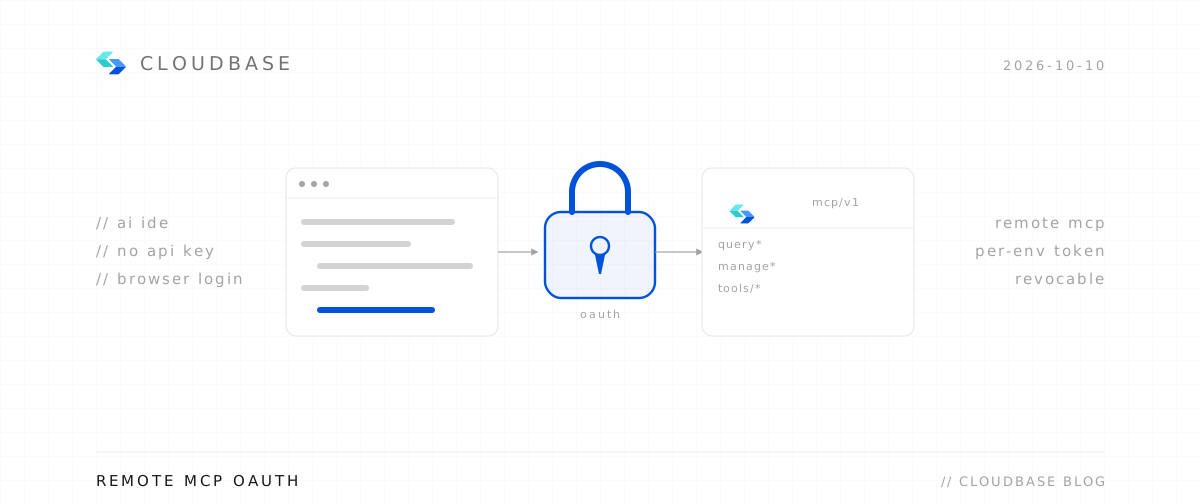
Connect CloudBase MCP to give AI "cloud operation rights"
This step is critical! Many people play with OpenClaw smoothly but only for "chatting." To turn it into a real dev tool, you must connect CloudBase.
In an IM channel (QQ, Workbuddy, QClaw, Lighthouse, etc.), send the "install CloudBase Skill" instruction, or search CloudBase Skill in Skills to download, and hand the skill pack to the lobster — it takes care of the rest.
01 Install: tell OpenClaw "install the CloudBase skill," or send directly:
npx skills add tencentcloudbase/skills -y
Then use the cloudbase-guidelines Skills to enable and sign in to CloudBase for full-stack development. Installation is supported from the local terminal, WorkBuddy dialog, the OpenClaw management panel, and more.
02 Verify: tell OpenClaw "show my CloudBase environment info." If it reports your environment ID, it's now your "cloud ops director."
Part two: hands-on
01 App done? Ship it with one sentence
Key idea: just tell OpenClaw "deploy it for me," and the link arrives in seconds. HTTPS and CDN are all set — share it straight to your group chat.
02 Need to store data? No backend setup
Key idea: just tell OpenClaw "create a data collection to store user info." Made a voting page, signup form or survey — where does the data go? Don't worry. The collection is created, permissions configured, code written for you. Who submitted and when — open the console and it's all clear.
03 Iterating? Redeploy with one sentence
Key idea: just tell OpenClaw "deploy after the changes." The test didn't satisfy you, you revised the design three times, re-uploading each time? "Change the button to green, adjust the layout, add a glow effect to the whitespace, deploy when done" — modify → build → deploy, all in one go.
04 From 0 to 1, done in 60 minutes
Build an MBTI test matching AI founders with investors, show the result, and save it as an image to share to Moments. It'll design the page, write the front end, add the image-save feature, and deploy with one click.
05 Scheduled tasks too — no backend favors needed
Need a scheduled task? Connect a third-party API? Just say: "Write a cloud function that fetches data automatically at 9 AM every day and stores it in the database." The cloud data is created, the trigger configured, the code deployed. It can even check the logs for errors.
06 Summary: you can do other things during the process
| Phase | Time | What you do |
|---|---|---|
| Set the rules | 10 min | Define design specs, workflow, quality standards |
| Design the solution | 10 min | Discuss page structure with OpenClaw, confirm the plan |
| Page-by-page development | 30 min | Do home → tutorial → scenario pages in order |
| Check and deploy | 10 min | Unified style check + one-click deploy |
| Total | 60 min | From 0 to 1, launched |
Appendix: FAQ
Q: What if OpenClaw's output isn't what I imagined?
First tell OpenClaw: "I want to build a website. Don't start yet — give me an overall design plan first. I'll reply ok and then you start." Wait for the plan, confirm it's fine, then move to the next step. If unsatisfied along the way, tell it exactly what's wrong — the more specific the better.
Q: What if bug debugging takes too long?
All roads lead to Rome. The upside of CloudBase cloud deployment is you can switch AI coding tools anytime. Prepare ahead: register CodeBuddy, sign in, and integrate CloudBase MCP. Tell OpenClaw "don't update yet," make changes in CodeBuddy, then read the environment.
A smooth dev flow should look like this
| Step | Action | Goal |
|---|---|---|
| Step 1 | Configure CloudBase MCP | Get control of underlying cloud resources |
| Step 2 | Define memory.md | Establish the functional skeleton, keep AI on track |
| Step 3 | Issue commands by module | Logic functions first, then UI, then image/payment features |
| Step 4 | One-click deploy command | Generate an online URL instantly |
One sentence
In app development, OpenClaw isn't a chatbot — it's your junior full-stack engineer. With the cloud foundation CloudBase provides, you only define business logic in natural language; the packaging, compilation, static hosting and CDN distribution are all automated.
Related links:
- CloudBase Skill: https://clawhub.ai/binggg/setup-cloudbase-openclaw
- GitHub: https://github.com/TencentCloudBase/skills
One-stop resources for AI app development, one-sentence deployment, one-click OpenClaw install, minute-level AI lightweight apps. The infrastructure is handled by AI. You just build the product.