The two most painful parts of building a mini program are writing the code and shipping it.
Now a Token Plan lets AI write the code, but shipping still needs cloud resources. The CloudBase plan has both tokens and cloud resources. Tokens support Hunyuan, DeepSeek, GLM, MiniMax, Kimi and other mainstream models; cloud resources include database, cloud functions, containers, servers and cloud storage.
This time we've folded that whole chain into one plan — the mini program full-stack plan.
Buy one CloudBase plan and you get: AI coding tools that plug straight in, cloud resources ready to use, tokens and cloud resources in one, and the ability to ship right after writing code.
One plan handles three things
| Who uses it | What you get |
|---|---|
| Your AI coding tools | MCP plugs into WorkBuddy / CodeBuddy / Cursor, gives access to tokens and lets AI read your environment |
| You | Database (NoSQL / MySQL / PostgreSQL), cloud functions, CloudRun, cloud storage, domains, hosted login, the Integration Center |
| Your mini program | AI calls embedded in a few SDK lines, tokens charged from the same resource-point pool |
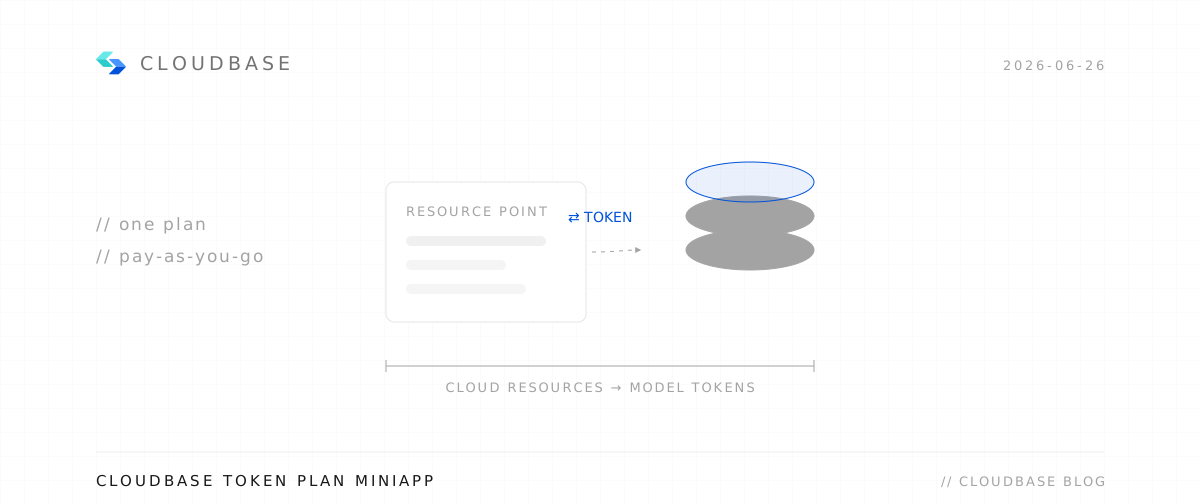
Resource points are the unified billing unit (1,000 points ≈ ¥1). Database, cloud functions, storage and AI tokens are all charged from this one pool — no more estimating and buying each item separately.
Bringing AI into your dev flow: MCP
An ordinary AI coding tool only knows "code" — it doesn't know what your database looks like, how to deploy cloud functions, or what files are in your storage bucket.
CloudBase MCP breaks down that wall.
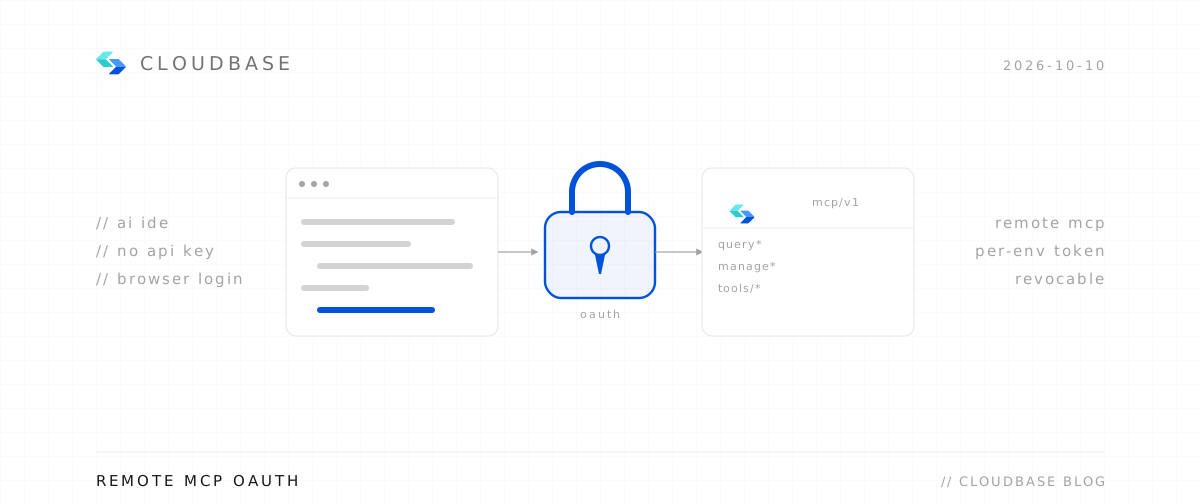
Install CloudBase MCP in the AI coding tool you use (WorkBuddy / CodeBuddy / Codex / Cursor all work) and AI can directly:
- Read your database schema and write queries against the real structure
- Create, modify and deploy cloud functions without manual copy-paste
- Operate files in your cloud storage bucket
- Query logs and locate production issues
- Complete "from writing code to deployment" with a single-sentence instruction
The result: AI-written code is no longer just "looks right" — it "actually runs in your environment".
Configuration steps
You can configure through the UI, or edit the WorkBuddy custom model config file for a shortcut. Using the latest WorkBuddy (June 9, 2026) as an example:
- Open WorkBuddy, click the account menu in the top-right, enter Settings
- Select Models, click "Add model"
- Select "Custom model"
- Fill in the Base URL and API Key copied from the AI console, pick an enabled model from the AI console model list, copy the model name, fill it in and save
- Select the LLM and start chatting (you may need to restart WorkBuddy to find the added model in the list)
Your mini program can also use AI directly
Beyond AI in the dev tool, your mini program itself can call models. A few SDK lines give you streaming output — no separate backend:
const model = wx.cloud.extend.AI.createModel("cloudbase");
const res = await model.streamText({
  model: "glm-5.2",
  messages: [{ role: "user", content: "你好" }],
});
Switching models is just one parameter — credentials, billing and token usage all flow through the same plan.
Write the code, ship it
Other Token Plans only give you tokens; after writing code you still have to find a cloud vendor, deploy, configure domains, file ICP and set up SSL.
The CloudBase plan already has all of that:
- Deployment: one-click CloudRun deploy, or bind Git for automatic builds
- Domains: free hosted domains, one-click filing and DNS for custom domains
- HTTPS: certificates applied and renewed automatically
- Integration Center: third-party capabilities like WeChat Pay, configurable and ready to use
Right after writing code, you have a genuinely accessible mini program.
How to pick a plan
| Plan | Monthly | Resource points | Equivalent | Callable AI models |
|---|---|---|---|---|
| Personal | ¥19.9 | 40,000 | ¥40 | Hy3 / Qwen3.5 |
| Standard | ¥199 | 330,000 | ¥330 | All models |
| Enterprise | ¥999 | 1,500,000 | ¥1,500 | All models |
Recommendation: trying CloudBase + AI mini programs for the first time? Go straight for Standard — you can call higher-tier models like GLM 5.2, with the best value for in-plan calls.
Note: GLM 5.2 is callable only on Standard / Enterprise. Personal can call Hy3 + Qwen3.5.
How to get started
- CloudBase console → create an environment (Standard recommended)
- AI console → enable the models you'll use
- Copy the MCP config / Base URL + API Key into WorkBuddy / CodeBuddy / Cursor
- Call models directly from your mini program with the SDK
In one sentence
Other Token Plans only give you tokens; CloudBase gives you tokens and cloud resources, and you can ship right after building.
One plan, from AI coding to mini program launch, entirely on CloudBase.