
Kimi K3 launched officially today — 2.8 trillion parameters and a million-token context. Following GLM 5.2, CloudBase has now integrated K3.
What Kimi K3 + CloudBase is good for
Kimi K3 took first place globally on the Code Arena frontend coding blind test (1679 points, beating Claude Fable 5 and GPT-5.6 Sol), with native vision understanding and a million-token context.
Kimi K3 excels at frontend programming and interactive apps, with long-range coding capability — it can sustain long-running tasks and understand and process large codebases. It also supports iterating on tasks with screenshots and visual feedback, making it a fit for frontend, game development and other scenarios that need vision understanding combined with code.
Leveraging its context and agent capabilities, Kimi K3 + CloudBase can integrate information from large volumes of web pages, PDFs, papers and data in industry research, scientific analysis, data processing and visualization tasks, and produce reports, charts and interactive content.
The backend for these apps — database, cloud functions, cloud storage — all live in the same plan, no platform switching needed.
Not just Kimi K3
CloudBase AI models currently support:
- Kimi series: K3, Kimi-K2.7-code, Kimi-K2.7-code-highspeed
- GLM series: GLM 5.2, GLM 5.1, GLM-5, GLM-5-Turbo
- DeepSeek: V4-Pro, V4-Flash
- MiniMax: M3, M2.7, M2.5
- Hunyuan series: Hy3, Hy3 preview
- Qwen3.5: qwen3.5-flash, qwen3.5-plus
Pricing matches the vendors, the calling method is the same, and switching models is just one parameter — no SDK change, no credential swap. For the full price list, click "Read more" for the resource-point pricing docs.
Three ways to use Kimi K3
1. Plug it into the AI tool you already use
Copy the Base URL and API Key, and plug the model into WorkBuddy, CodeBuddy, Cursor or any AI coding tool. Use it like any OpenAI-compatible model — charges go through the CloudBase console's resource-point pool, without touching your existing tool configuration.
2. Call it directly in your full-stack app
If you're building a mini program, web app, official account or support bot, call K3 as a CloudBase capability — a few lines of SDK code give you streaming output, no separate backend needed.
const model = wx.cloud.extend.AI.createModel("cloudbase");
const res = await model.streamText({
  model: "kimi-k3", // use the actual model ID from the console
  messages: [{ role: "user", content: "你好" }],
});
Database, cloud functions, domain and tokens are all in the same plan — ship right after writing code.
3. Use CloudBase MCP to let your AI tool call K3 directly
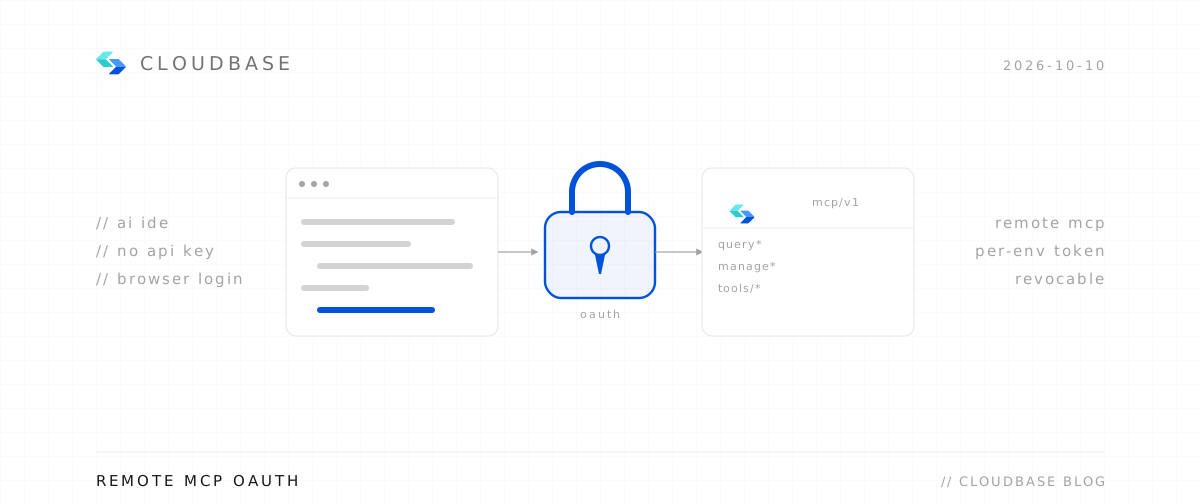
If your AI coding tool natively supports MCP (Codex, Workbuddy, Codebuddy, Cursor, Claude, etc.), you don't need to copy the Base URL and API Key — just configure CloudBase MCP. The tool gets CloudBase's calling capability directly, and K3 can be called within the session.
Add a block to your project's MCP config (Cursor example, file is .cursor/mcp.json):
{
  "mcpServers": {
    "cloudbase": {
      "command": "npx",
      "args": ["@cloudbase/cloudbase-mcp@latest"]
    }
  }
}
Database, cloud functions, domain and tokens are all in the same plan — ship right after writing code.
How to get started
- CloudBase console → Plan usage page, confirm the plan is Standard or Enterprise
- AI console → text-generation model, enable Kimi K3
- Copy the Base URL and API Key into your AI dev tool, or call it directly from your app with the SDK
In one sentence
For building mini programs, one CloudBase plan is all you need.
- A Token Plan that comes with cloud resources — ship right after writing, no platform switching
- K3, GLM 5.2, DeepSeek, Qwen all in one pool — switch models with one parameter
- You just call it; no deployment on your side